
Keep your renewed iPhone healthy: battery and care tips
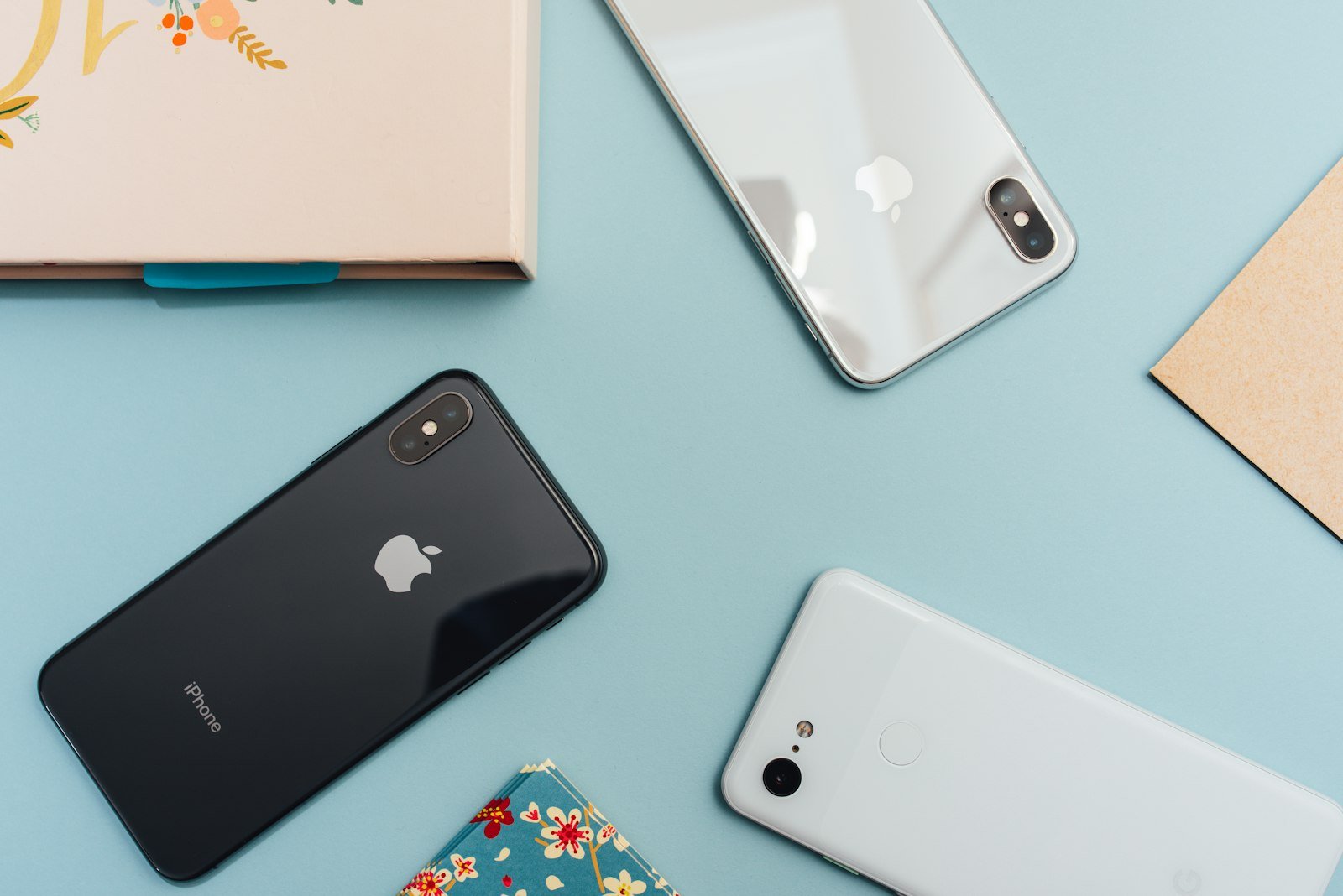
A renewed iPhone can stay fast and reliable for a long time. You do not need special gadgets — just a few habits that protect the battery and keep software light. In the UAE, heat management matters as much as charging style.
Charge in a way batteries like
Daily top-ups are fine. Try not to leave the phone cooking on a charger under a pillow, in a parked car, or in direct sun. Occasional full cycles are normal; living at 100% while hot is what ages cells faster.
If your day allows it, keeping the battery roughly between 20% and 80% most of the time is a gentle routine — not a strict rule.
Respect heat — especially outdoors
High temperatures are tough on lithium batteries. Avoid leaving the phone on a dashboard, charging in hot rooms without airflow, or gaming while charging under a thick case.
If the phone warns about temperature, let it cool before you keep charging or filming long 4K clips.
Keep software and storage healthy
Update iOS when Apple releases fixes. Free up space when storage is nearly full — phones feel snappier with breathing room. Offload apps you rarely open, and clear bulky video drafts you no longer need.
Protect the body you paid for
A slim case and screen protector prevent the cosmetic wear that makes a phone look older than it is. That also helps if you later trade in or sell the device.
Know when battery service makes sense
If battery health drops and you see unexpected shutdowns or very short screen-on time, a battery service can restore comfort without replacing the whole phone. Pair that decision with how long you plan to keep the model.
Good care habits delay that day — and keep your renewed iPhone feeling like a daily driver, not a compromise.